
Major Figma Plugin Update: Faster, Smarter, More Reliable
Smarter AI detection, parallel image processing, image caching, prototype interactions, and much more — our biggest Figma plugin update yet.

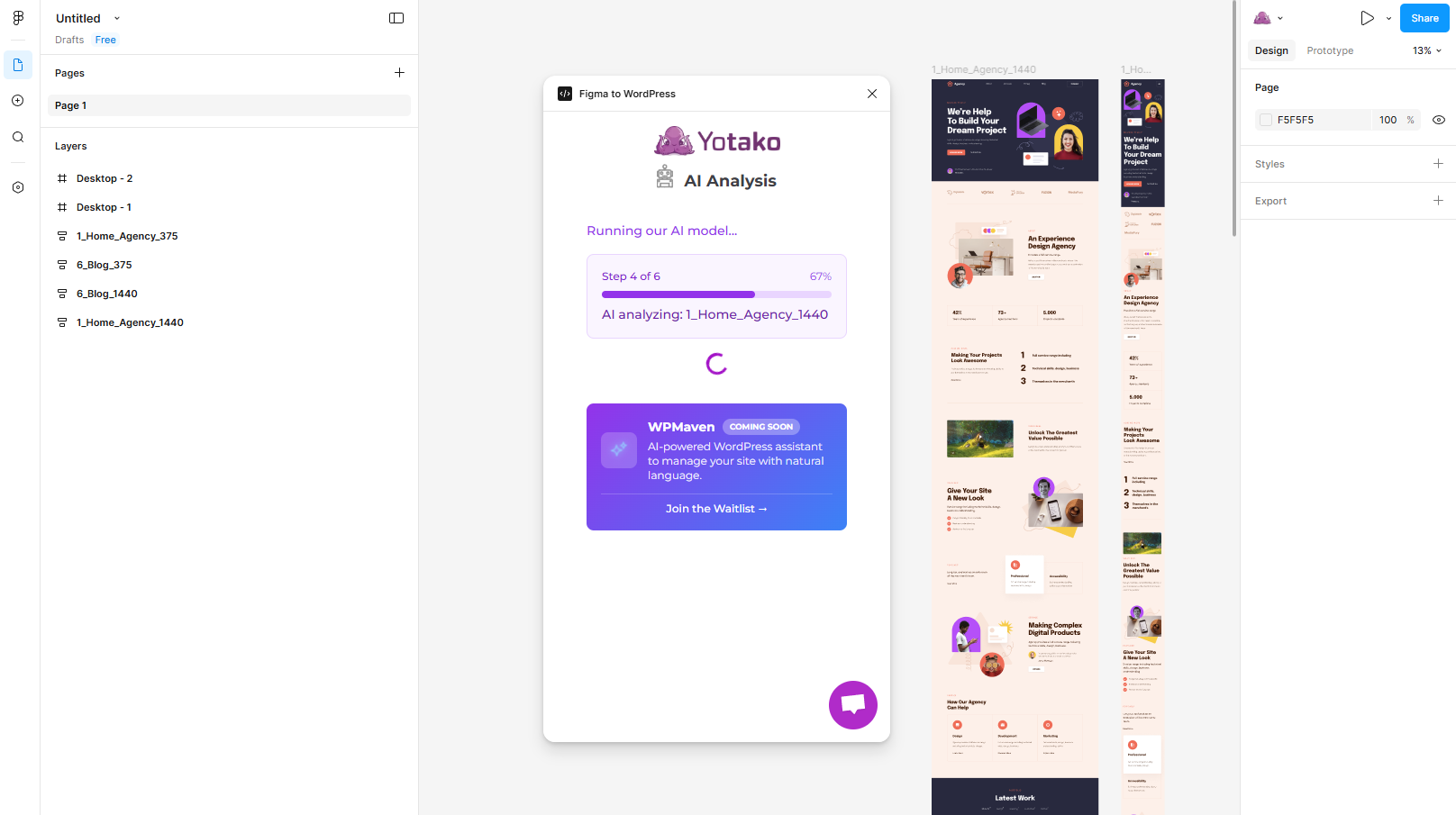
Our Figma plugin has received its most significant update yet. From smarter AI to faster processing and better stability, here's everything that's new.
Smarter AI Detection
The AI that restructures your Figma layers for WordPress now better recognizes headers, footers, and navigation menus. These structural elements are excluded from AI restructuring to preserve your intentional layouts. The result? Your converted sites look exactly the way you designed them.
Advanced Mode Improvements
Power users, this one's for you. Advanced mode now includes confirmation popups before major actions, embedded video tutorials for complex features, and better validation to catch issues before export. It's easier to use advanced features without the risk of accidental changes.
Significant Performance Boost
We've parallelized image processing, introduced chunked serialization for large designs, and batched screenshot operations. The result is noticeably faster conversions, especially for design files with many images or complex components. What used to take minutes now takes seconds.
Better SVG Handling
Complex vector shapes are now handled with greater precision. We've improved LINE detection and BOOLEAN_OPERATION exports, which means intricate icons, logos, and illustrations convert more faithfully to your WordPress theme.
Image Caching
The plugin now uses content-hash-based caching for images. If you convert the same design multiple times (common during iteration), images that haven't changed are skipped entirely. This dramatically speeds up repeated conversions during your design refinement process.
Prototype Interactions
Figma prototype links are now extracted and preserved in the output. If you've set up click-through interactions in your Figma prototype, those navigation links will carry over to your WordPress theme automatically.
Improved Stability
We've added automatic retry on Figma API rate limits, better error recovery when the Figma API responds unexpectedly, and improved crash reporting so we can fix issues faster. The plugin is now more resilient during long or complex conversions.
This update is available now in the Figma Community. If you already have the plugin installed, it updates automatically.
Give it a try: Open a design in Figma and run the Yotako plugin to see the difference. As always, we welcome your feedback — it helps us shape the next release!